Build recipes your way
Choose ingredients, enter exact amounts, reorder steps and scale every quantity automatically when servings change.
 MauGainZ
Recipes, verified nutrition, meal planning and training structure—built into one focused Android app for people who take progress seriously.
One performance system
MauGainZ connects the food you prepare with the targets you train for. Build a recipe once, confirm its nutrition and reuse accurate numbers throughout your week.
Choose ingredients, enter exact amounts, reorder steps and scale every quantity automatically when servings change.
Confirm nutrition from Open Food Facts or enter your own values. MauGainZ remembers them for future calculations.
Set daily calorie and macro goals, plan meals, track weight and add Push, Pull or Legs to your training week.
Built for your screens
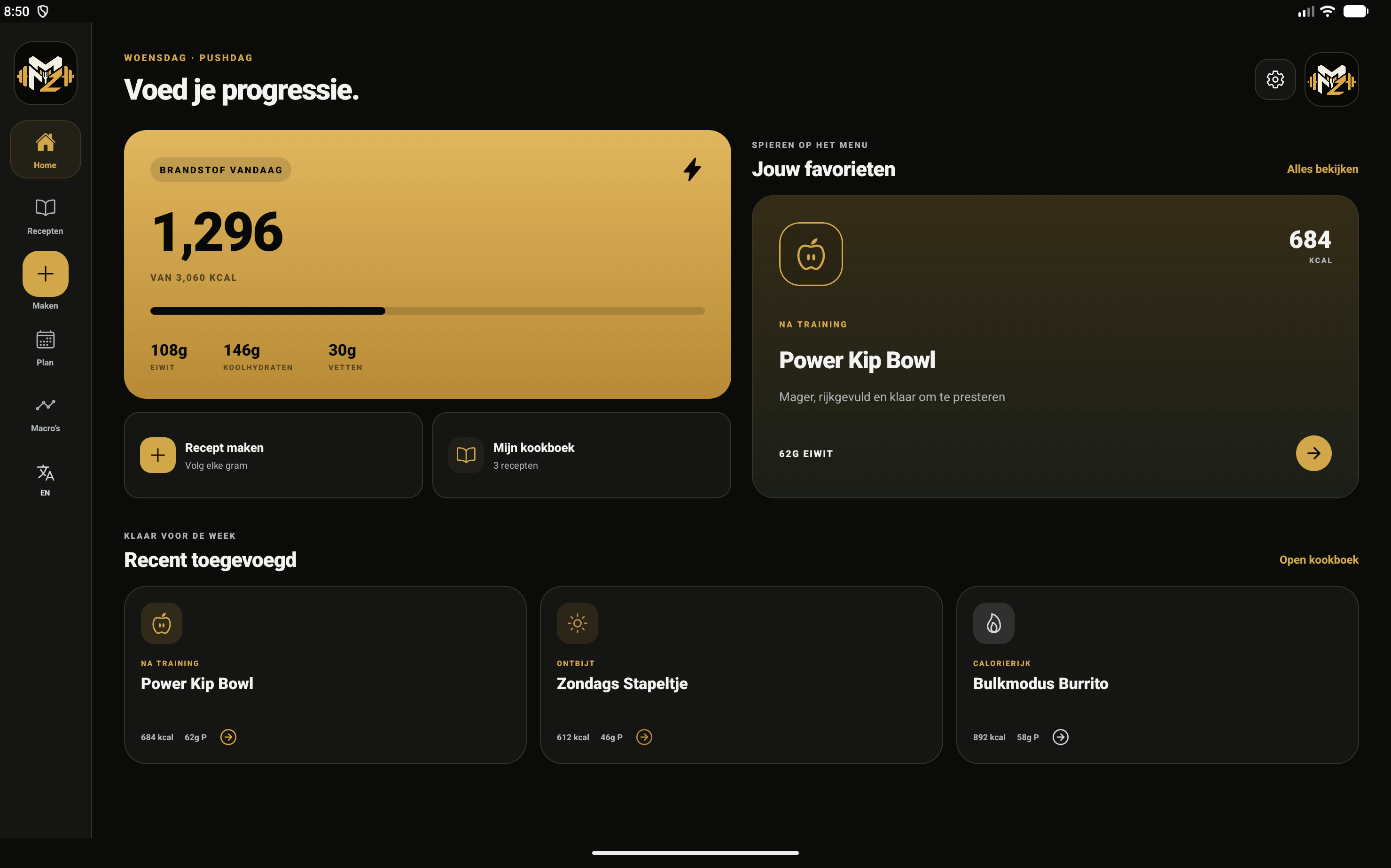
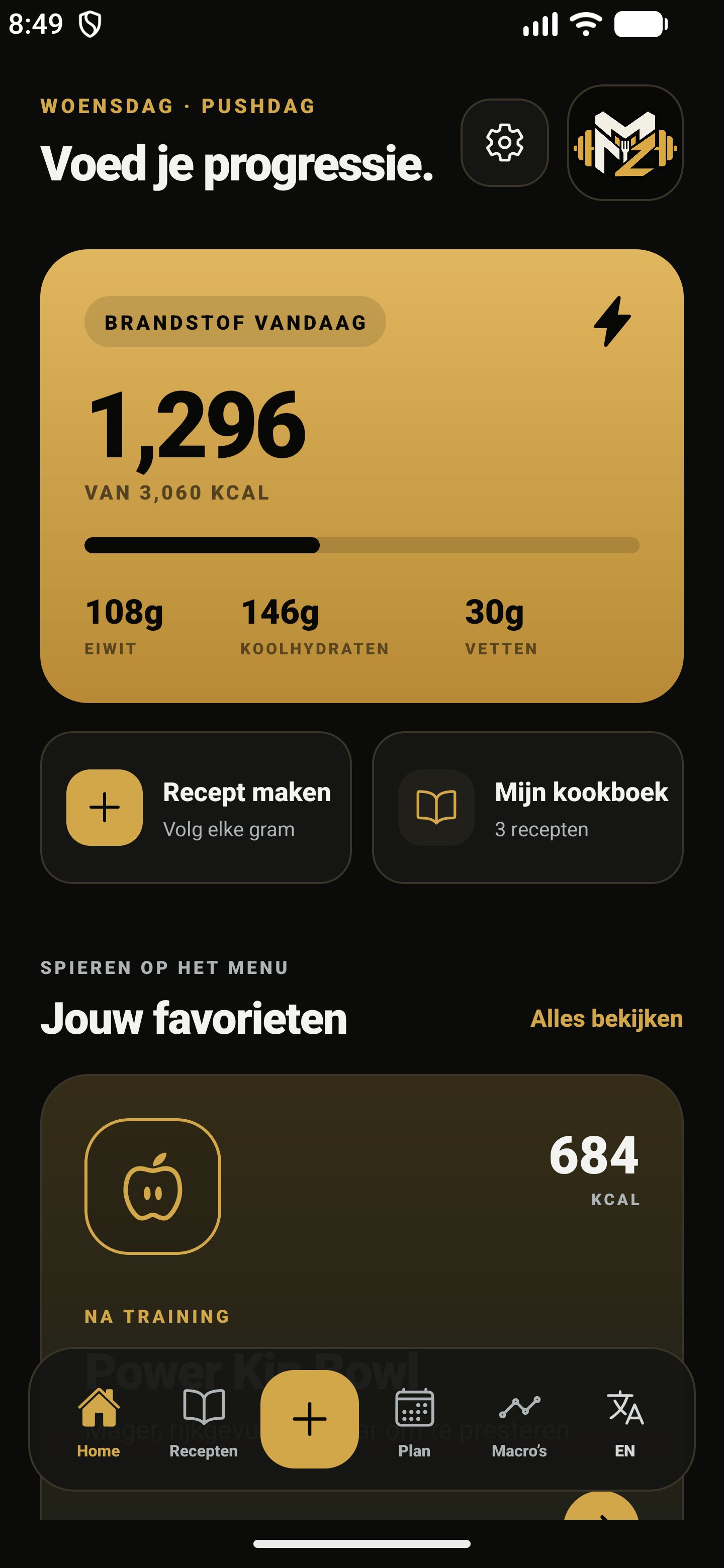
The layout responds to the screen in front of you: fast bottom navigation on a phone, and a wide workspace that uses the full tablet display.
On tablets, ingredients, preparation and macros sit together in a true working canvas. Collapse sections when the recipe gets long.

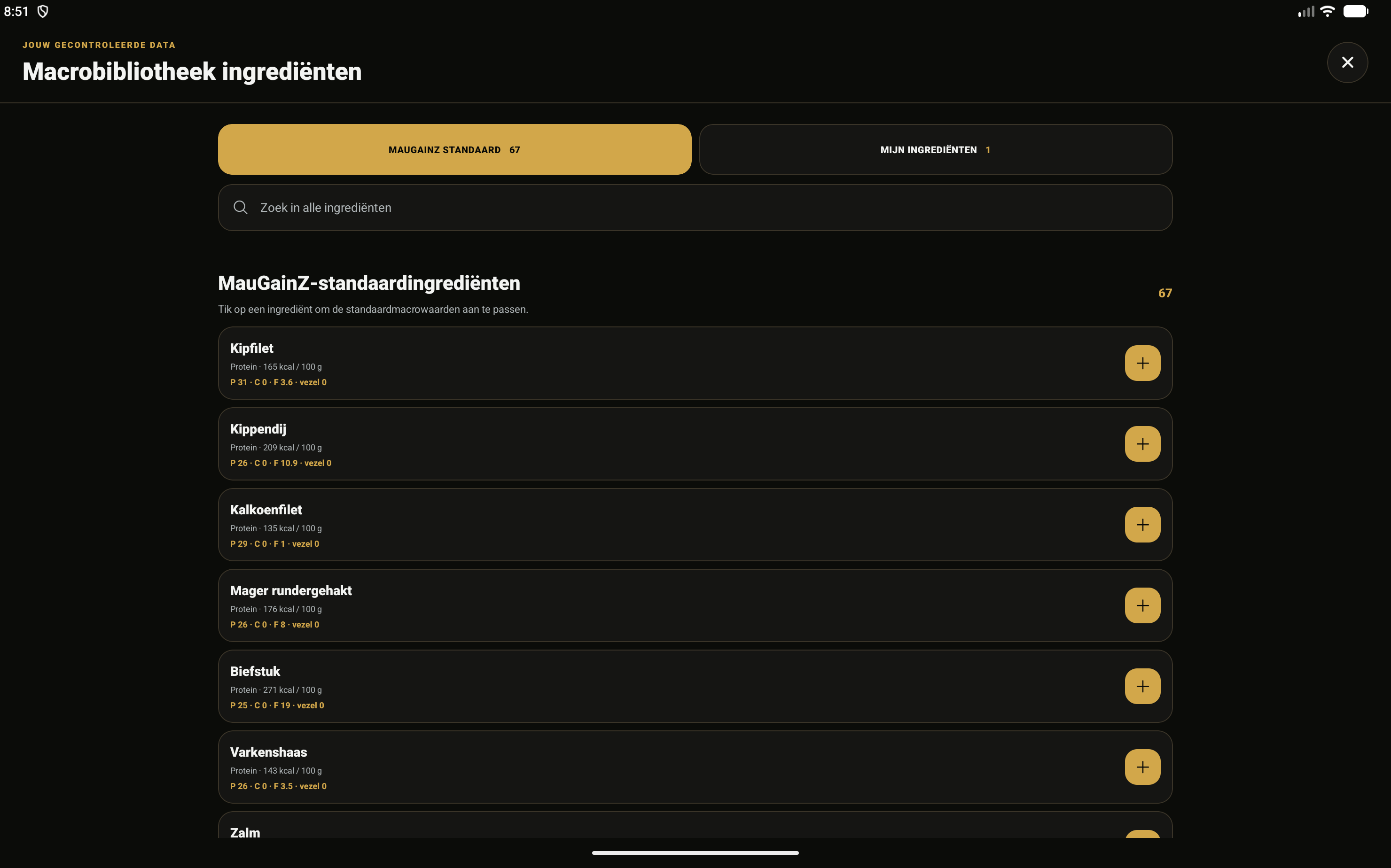
Browse the built-in library separately from your custom ingredients. Edit macros, add label values and reuse confirmed nutrition in every recipe.
Android installer
Download the official universal APK. The same installer adapts automatically to Android phones and tablets.
Android may ask permission to install apps from your browser the first time. You remain in control of the final confirmation.
COOK. TRACK. TRAIN. REPEAT.